
Christmas projection mapping on your house
How to project a Christmas light show onto your house with AI. You need one photo of your house, a few words about the look you want, and a projector. FacadeLab makes the art on your own PC, fitted to your windows, doors and roofline, and renders one video for the projector.
3-day free trial · Windows 10/11 · NVIDIA GPU · Will it run on my PC?
What you need
- A Windows 10 or 11 PC with an NVIDIA graphics card (12 GB of video memory or more)
- A video projector, and a laptop or media player to play the show
- One photo of your house
- FacadeLab: start with a 3-day free trial
How to project a Christmas show onto your house, in four steps.
Step 1
Add a photo of your house
Add a photo or house map of your home. FacadeLab finds the outline by itself.
Take the photo from where the projector will stand, so the art lines up with your windows and doors. Fix Mask lets you touch up the outline if it needs it.
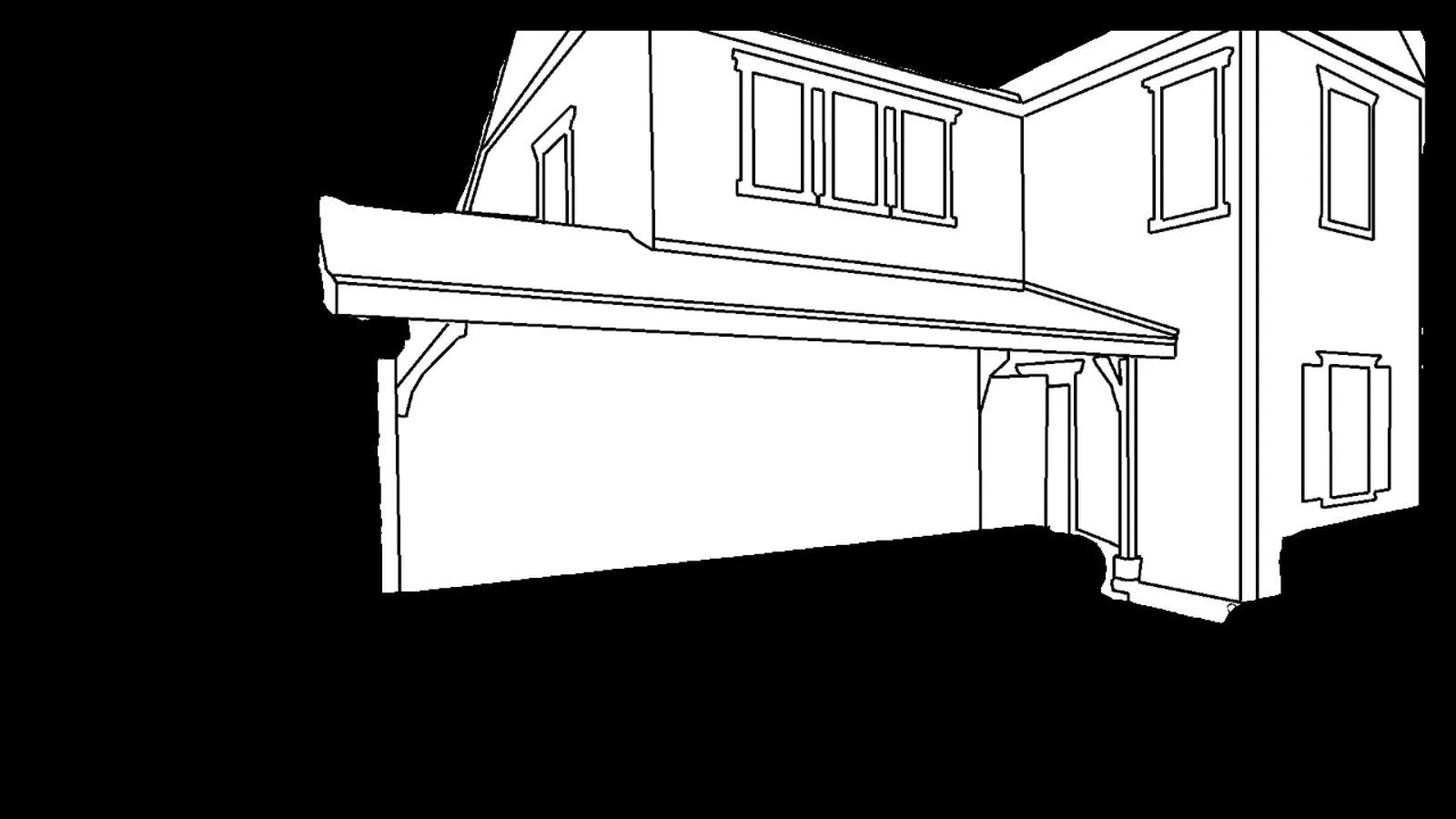
DAD's house map. Every look FacadeLab makes follows its lines. Step 2
Describe your Christmas look
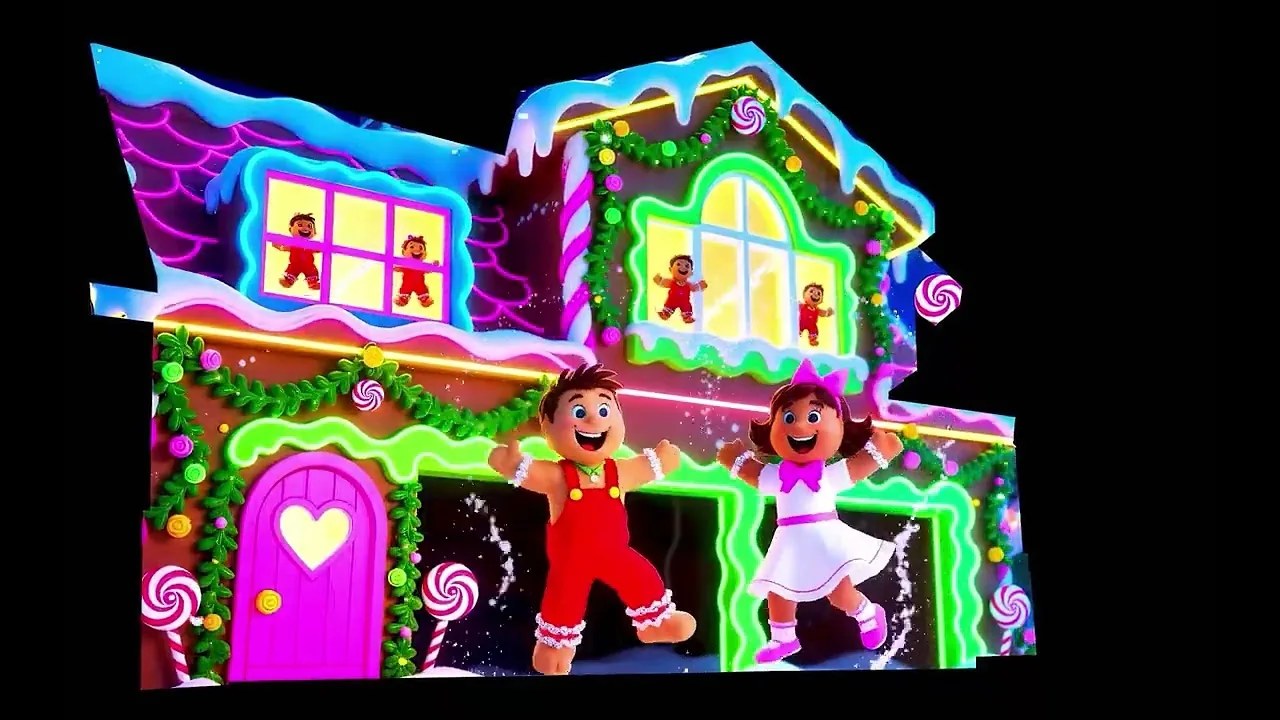
Type the look you want: gingerbread trim, Nutcracker guards at the door, Santa's workshop in the windows. FacadeLab paints it to fit your windows, doors and roofline, up to 4 images every time you click Ignite.
Not sure what to write? Ghostwriter looks at your images and writes a first draft of your prompt. Then bring your favorites to life with Img→Vid.
Example prompt
Gingerbread Christmas house facade: the whole house becomes a giant gingerbread cottage, white icing along the roofline, candy-cane pillars beside the door, gumdrop lights around every window, and soft snow falling in front.
Ignite · up to 4 images
A prompt to start from. Change any part of it. Step 3
Build the show to your music
Open the FacadeLab Editor and drop in your clips. Show Builder makes a ready show from them, sized to your house map.
Song Reactor lights your house to the beat of your Christmas song in one click, and Fuseline traces glowing neon lines along your house, timed to the song.
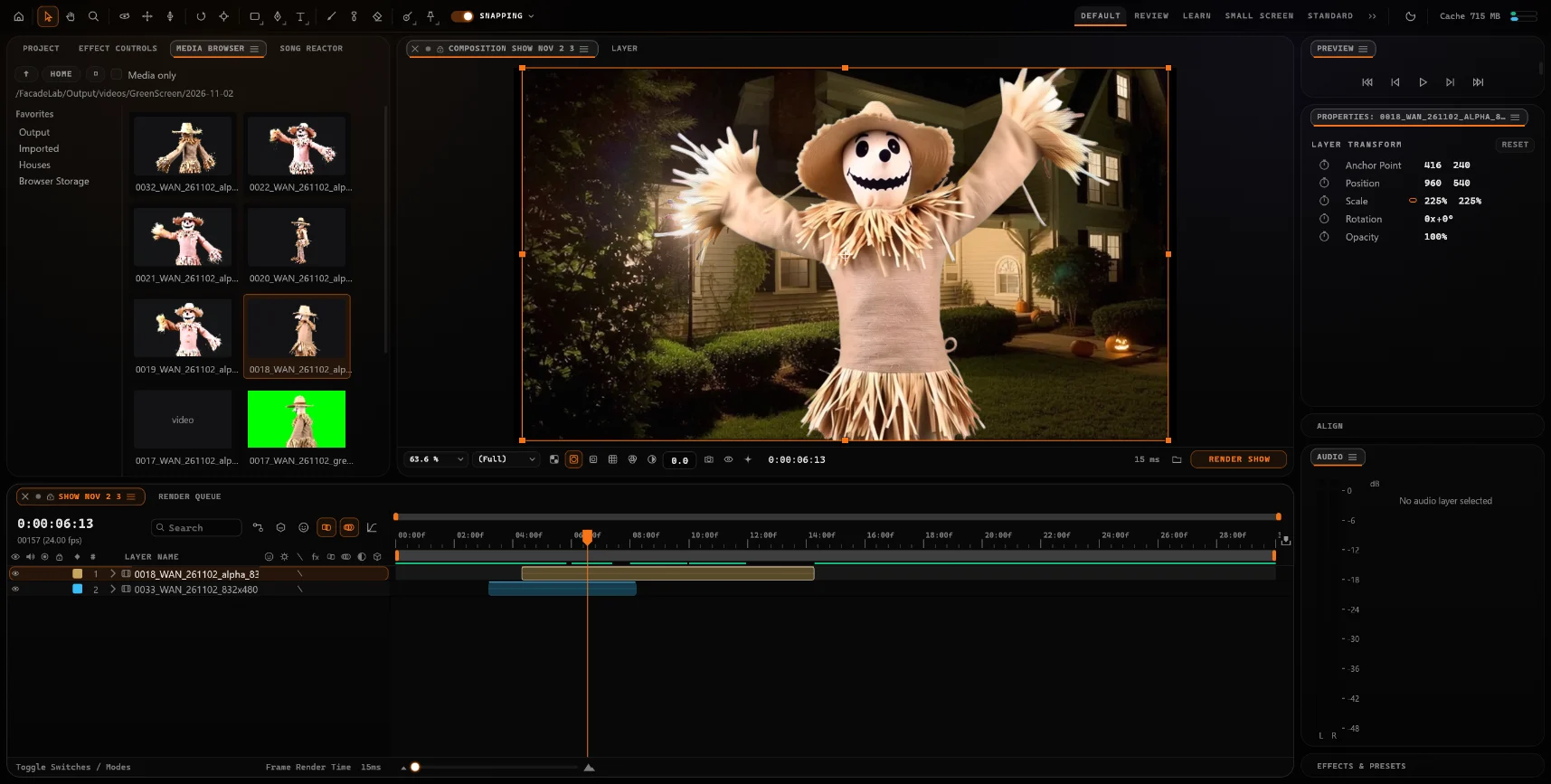
The FacadeLab Editor, with Song Reactor one tab away and Render Show under the viewer. Step 4
Render one video for the projector
Render Show makes your show's video, with sound, in your Shows folder.
Copy it to the laptop or media player connected to your projector and play it on loop. That one video is the whole show.
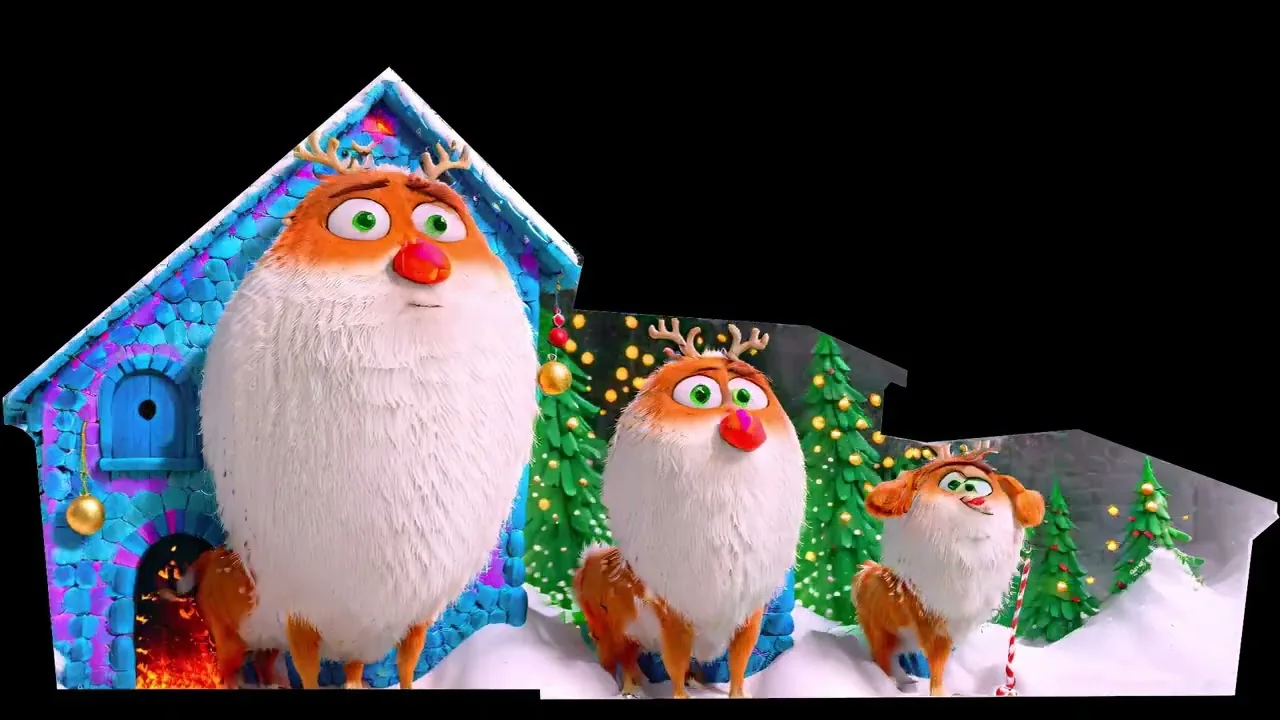
A frame from Here Comes Santa Claus, a full Christmas show by Digital Art Dynamics.
Watch a full Christmas show
Full shows by Digital Art Dynamics. FacadeLab brings the studio behind them to your own PC.
Christmas ideas to try
Start a prompt with one of these, then add your own details.
Gingerbread house
Icing on the roofline, candy-cane pillars, gumdrop windows.
Nutcracker guards
Two toy soldiers standing watch at the front door.
Santa's workshop
Elves wrapping gifts in every window.
Snow globe
The whole house inside a glass globe, snow swirling around it.
Candy Cane Lane
Red-and-white stripes wrapped around every edge of the house.
Christmas train
A steam train pulling out of the garage, snow on the tracks.
Christmas projection mapping questions
What projector do I need to project Christmas onto my house?
- A video projector with an HDMI input, so it can play the video FacadeLab renders. A 1080p projector is a good match for most houses. Set it where you took the photo of your house, so the art lines up, and play the show on loop from a laptop or media player. Laser Christmas light projectors that throw stars and snowflakes can't play a video, so they can't show a FacadeLab show.
How bright does the projector need to be?
- Projector brightness is measured in ANSI lumens. For a video show on the front of a house, start at about 3,000 ANSI lumens. A bigger house, or a street with bright lights nearby, needs more. Every projector looks best once it is fully dark.
Which graphics card do I need?
- FacadeLab runs on your own Windows 10 or 11 PC with an NVIDIA graphics card that has at least 12 GB of video memory (16 GB or more recommended), 32 GB of system memory, and NVIDIA driver 580 or newer. Laptop cards often have less memory than the desktop card with the same name. Check your PC on the download page.
Can the show play in time with Christmas music?
- Yes. In the FacadeLab Editor, Song Reactor lights your house to the beat of your song in one click, and Fuseline traces glowing neon lines along your house, timed to the song. Render Show then makes one video with the sound in it.
How much does FacadeLab cost?
- Start with a 3-day free trial. It begins once the app finishes setting up, so setup never uses up your trial days. After that, membership is $14.99/mo during the beta. Cancel anytime. The first 100 members lock $14.99/mo for a full year.
Can I use the same setup for Halloween?
- Yes. Map your house once, then light it up for Christmas, Halloween and every night in between.
Your house is the canvas.
Map it once, then light it up for Christmas, Halloween and every night in between.
Download the BetaStart with a 3-day free trial. It begins once setup finishes.
Founding 100 members lock $14.99/mo for a full year.